Choose on the screen
The kiosk menu with photos, allergens and each dish's extras, in their language.
Your customers order and pay on their own on a screen, in their language, and the order goes to your POS. Works on any Windows or Android kiosk, including the one you already have.
+400k
orders through Delitbee
+20%
table turnover with table ordering and kiosk
60%
of customers complete their purchase

Everything on screen, at their own pace.
The kiosk menu with photos, allergens and each dish's extras, in their language.
By card at the kiosk itself or, if you prefer, at the till.
The order goes to your POS and your customer receives it by email or SMS.
Restaurants with table ordering and kiosks get 20% more table turnover.
At peak hours, your customers order at the kiosk at the same time instead of waiting in line at the counter.
With time to look at the menu and extras, every customer orders at their own pace, with no queue at the counter.
Less time taking payments at the counter and more time preparing and serving.
The customer chooses each dish and its extras, and the order reaches your POS exactly like that.
The menu is multilingual: ideal if you have customers from abroad.
Choose which menu shows on the kiosk and change it instantly from your dashboard.
We recommend paying at the kiosk itself: it's what eases queues the most, because your customer doesn't have to go to the till.
By card at the kiosk, with a built-in card terminal
Order at the kiosk and pay at the counter
Or both options, whichever works best in your restaurant
Delitbee works with any Windows or Android kiosk. If you already have one, you use it. If not, you can easily buy it from us or buy whichever one you like on your own.
Kiosks with Windows or Android
The kiosk screen isn't rented: you buy it from us or on your own
The card terminal and other devices, to rent or buy
Managed from the same dashboard as your online store


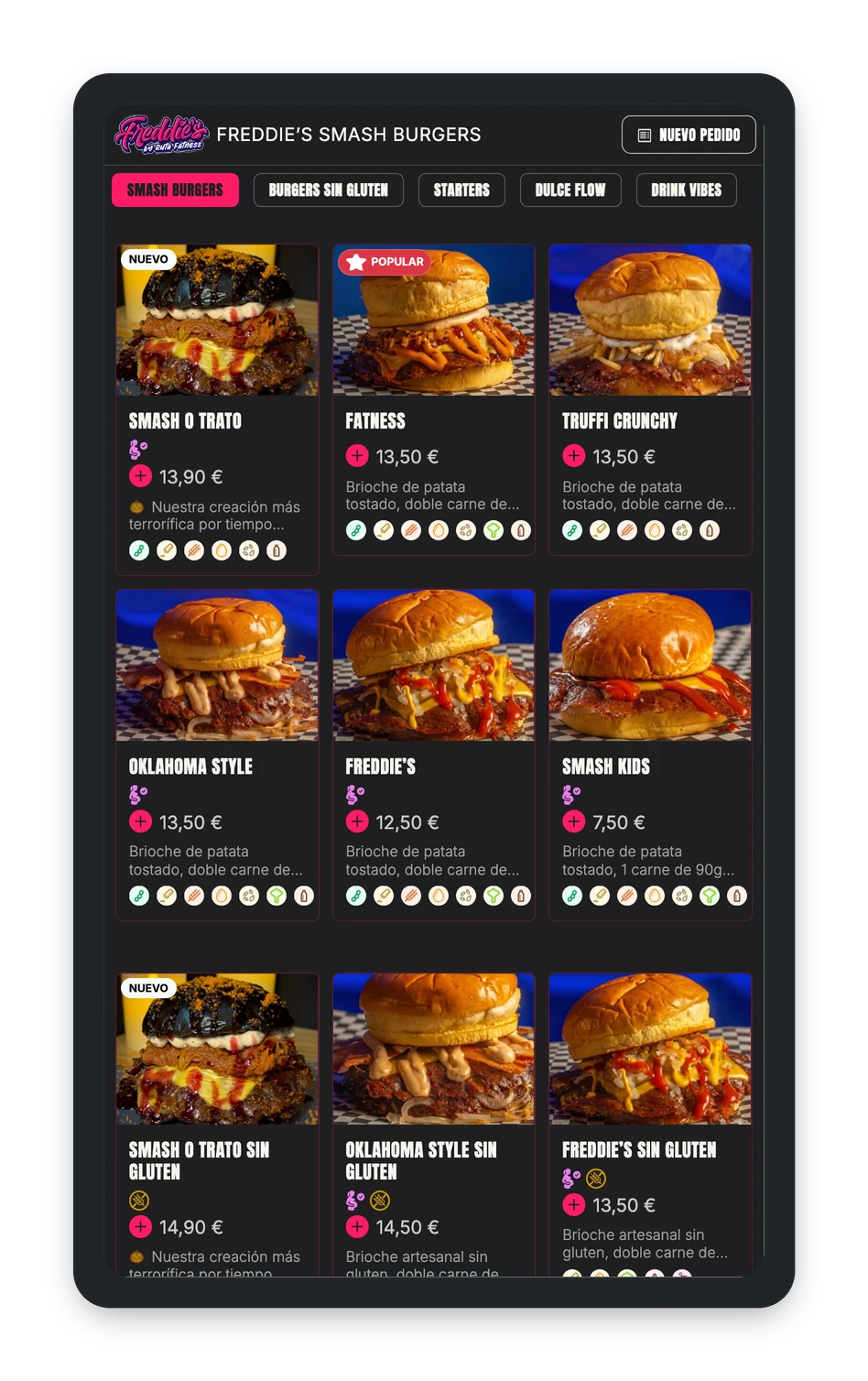
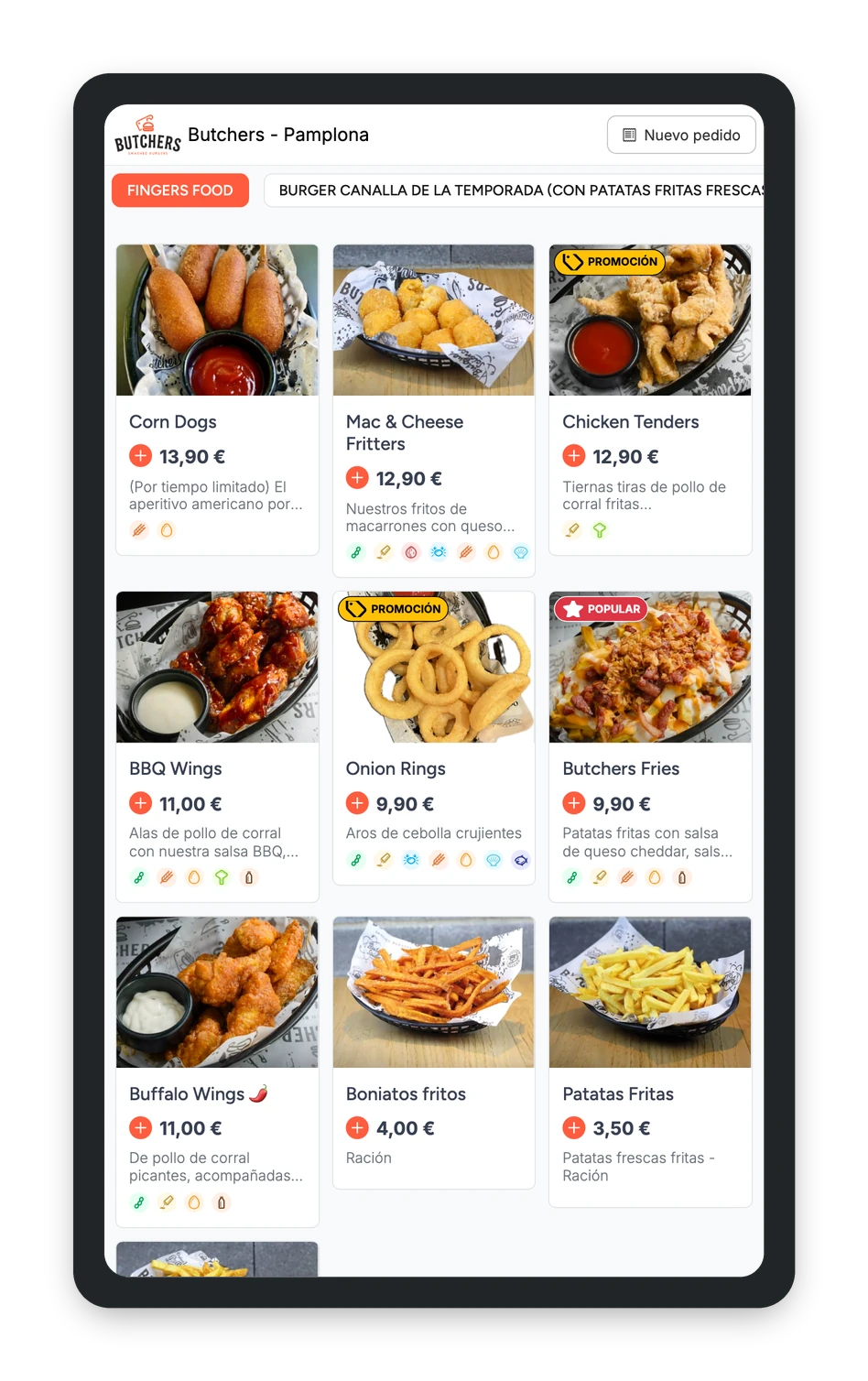
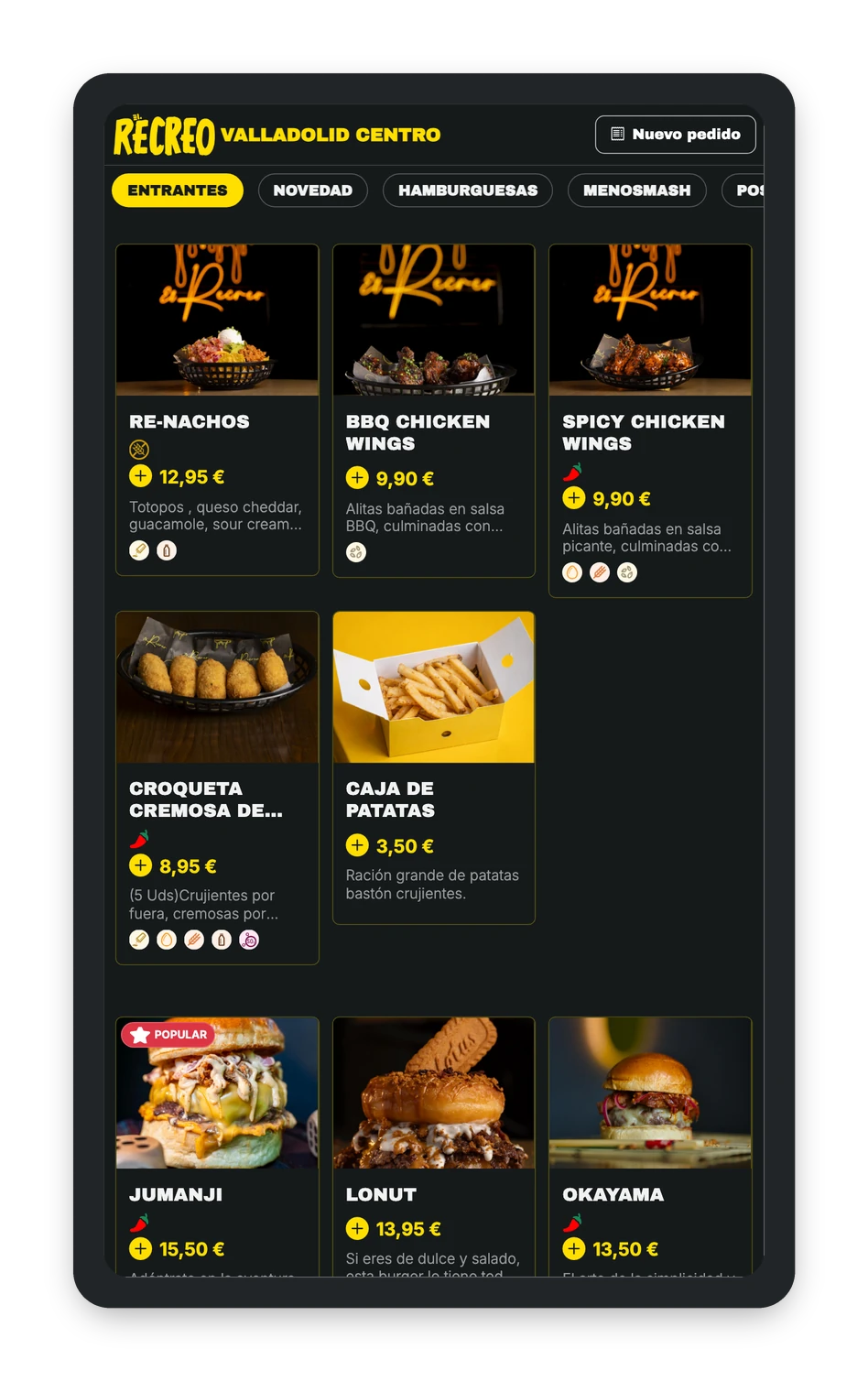

It's not another system: it's the same store you use for takeaway, delivery and table ordering, with the menu you choose for each channel.
The kiosk price depends on your restaurant and how many kiosks you need.
Ask us
on the Pro and Advance plans
Compatible with Windows or Android kiosks
Same dashboard as your online store
The order goes to your POS
Do I need to buy a new kiosk?
Not if you already have one: Delitbee works on any kiosk with Windows or Android. If you don't have one, you can easily buy it from us or buy whichever one you like on your own.
Is there a rental option?
Not the kiosk screen: you use your own or buy one, from us or on your own, compatible with Windows or Android. The card terminal and other devices you can rent or buy from us.
How do customers pay at the kiosk?
However you set it up: by card at the kiosk itself, with an integrated card terminal, or ordering at the kiosk and paying at the counter. We recommend paying at the kiosk, since that's what eases lines the most.
Where does the order go?
The order goes to your POS, like the rest of your store's orders.
How does the customer know which order is theirs?
They receive their order by email or SMS.
Can the kiosk have a different menu?
Yes. It's your same online store, but you decide which menu is shown on each channel: takeaway, delivery, table or kiosk.
Does the loyalty club work on the kiosk?
Not yet: today the club works in the online store and table ordering. It's coming to the kiosk very soon.
How much does it cost?
It depends on your venue and how many kiosks you need. Ask us and we'll explain.
Free assessment
We look at your restaurant and your peak hours, and help you decide whether a kiosk would cut queues and raise your average ticket.
Whether a kiosk suits you and where to place it
Which kiosk and card reader fit your space
How kiosk orders reach your POS and your kitchen
Free





Pau, Dani, Her, Jesús and Genesis
Delitbee sales team
What you get
A proposal for your restaurant: which kiosk fits, how to set it up and which plan you need
How long it takes
10-15 minutes
Cost
Free and no strings attached