Digital waiter app
Your waiters take orders on their phone and the ticket prints in the kitchen
A waiter app on the phone or tablet you already have, with nothing to install. The ticket prints in the kitchen with its notes and by course, and the order goes to your POS. It's your same online store, in dining room mode.
+300
restaurants
Unlimited
waiters in Pro and Advance

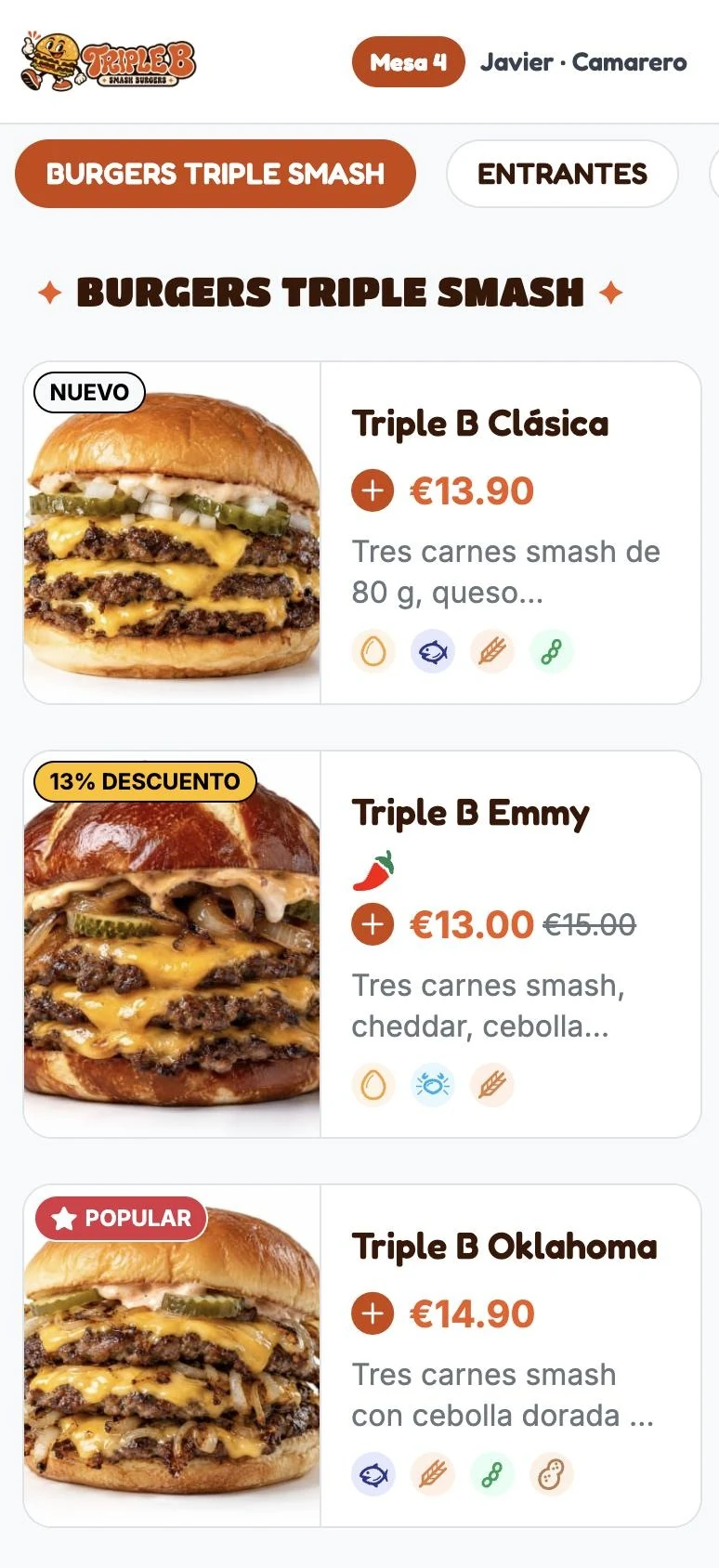
How your team takes orders
From the table to the kitchen, without going through the bar
From a phone or tablet, with your dining room menu.
1
Open the table
The waiter picks the table in their phone or tablet browser and sees the dine-in menu with its photos, extras and options.

2
Take orders, with notes
Add the dishes, their extras and what the kitchen needs to know: “no onion”, “rare”, “one gluten-free”.

3
Send by course
Starters now and mains when the table is ready. The ticket prints in the kitchen and the order goes to your POS.

What your dining room gains
Fewer trips to the bar and a kitchen that keeps pace with the dining room
Your team spends more time with customers and less time fixing tickets.
Fewer trips
The ticket goes to the kitchen straight from the table. The waiter doesn't have to go to the bar to enter it.
Clear tickets
No illegible handwriting or forgotten dishes: every dish arrives written out, with its extras and notes.
The kitchen works at its own pace
With courses, the kitchen prepares each dish at the right time and the table doesn't wait or let anything go cold.
No new hardware
It works on the phones or tablets you already have, from the browser. No apps to install or update.
Take payment at the table
Your waiters can take payment right from the waiter app, without going back to the bar.
Easy for new waiters
It's your restaurant's menu, with photos and options. No codes to learn.
A single store
The waiter app is your online store, in dining-room mode
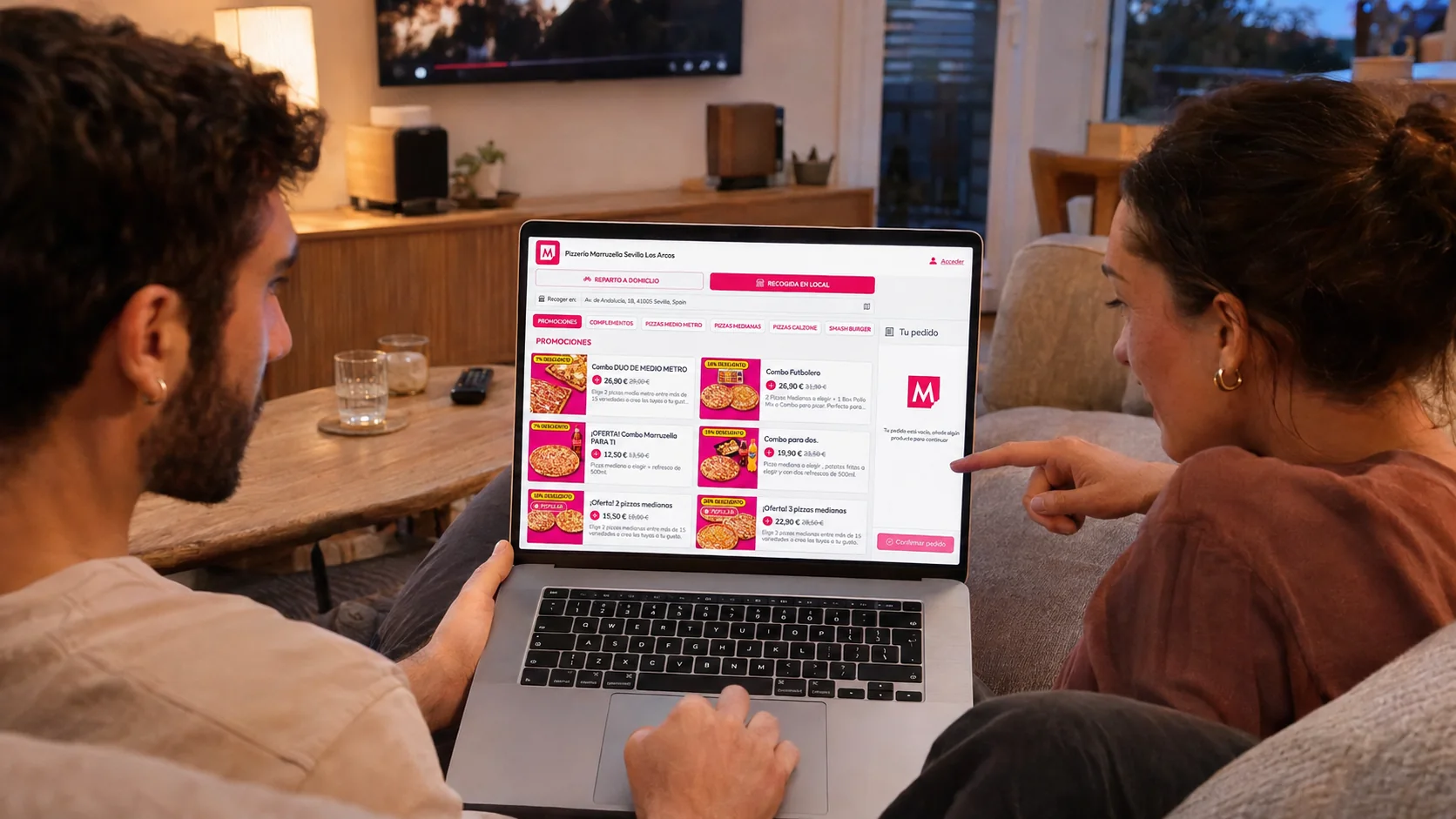
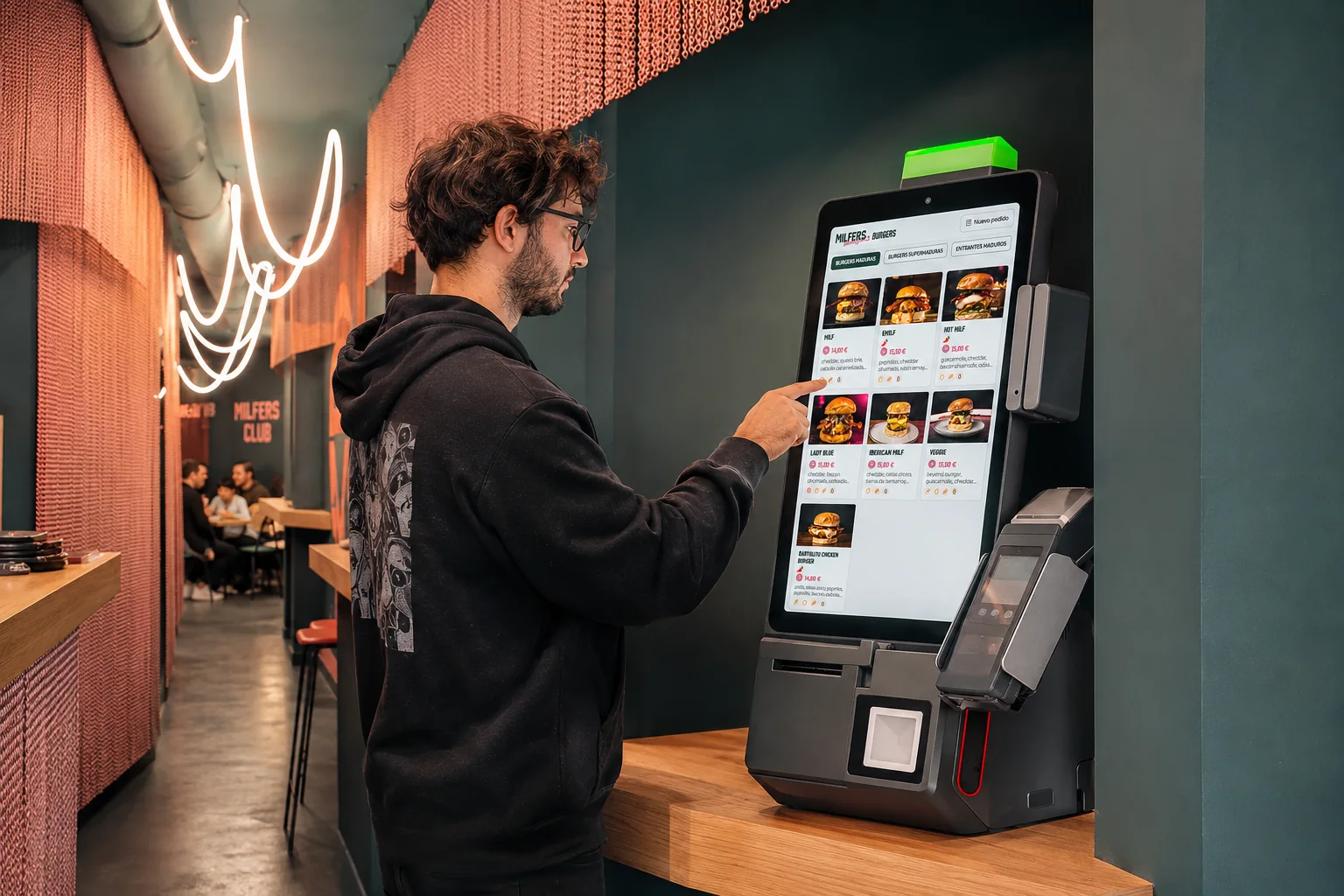
It's not another system: it's the same store you use for takeaway, delivery, table ordering and the kiosk. You manage everything from one dashboard and decide which menu is shown on each channel.

Integrations
The ticket prints in the kitchen and the order goes into your POS
You don't change your till: the order the waiter takes goes to your POS. We work with Revo, Hosteltactil, Agora, Cuiner+, Tiller and others.
POS







Included
on the Pro and Advance plans
Unlimited waiters and devices
No long-term commitment and no setup fee
No devices? Rent or buy them from us
The cost of dine-in orders depends on your venue: ask us
Frequently asked questions
What we usually get asked about the waiter app
Do you need to install an app?
No. The waiter app opens in the phone or tablet browser, with nothing to download or install. It's the same online store, in dining-room mode.
Do I have to buy new devices?
No. The phones or tablets you already have will do. If you don't have any, you can rent or buy them from us.
How does the ticket get to the kitchen?
It prints on the kitchen printer with each dish's notes and in the course the waiter selected. At the same time, the order goes to your POS.
Does it work with my POS?
We work with Revo, Hosteltactil, Agora, Cuiner+, Tiller and others. If yours isn't on the list, we'll look into it with you.
Can they take payment from the waiter app?
Yes. Your waiters can take payment from the waiter app itself, without going back to the bar.
Are there fees on waiter app orders?
It depends on how you work in the dining room. Ask us and we'll explain it for your case.
How many waiters can use it?
As many as you need. On Pro and Advance there's no limit on waiters or devices.
Free assessment
Does the waiter app fit your dining room?
We look at how your dining room works and help you decide how your waiters would take orders and send them to the kitchen.
How many waiters and devices you need
How orders reach the kitchen by course
How it connects with your POS and your QR menu
Free





Pau, Dani, Her, Jesús and Genesis
Delitbee sales team
What you get
A proposal for your dining room: how to set up the waiter app, which plan fits and the first steps
How long it takes
10-15 minutes
Cost
Free and no strings attached